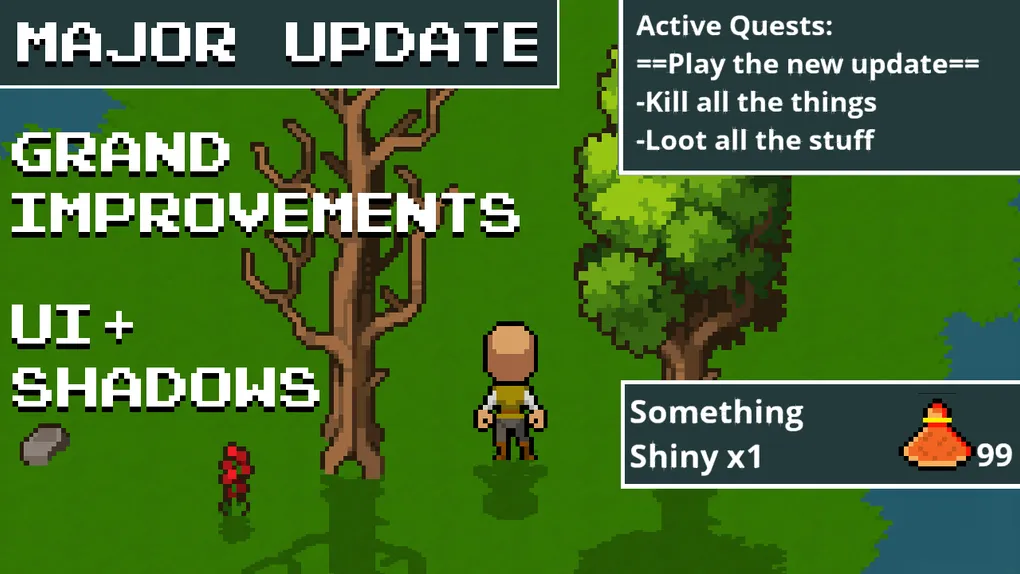
Update 0.8 - A Grand Improvement
A shadow is cast across the land, actually make that many shadows Well hello there adventurer, have we got a treat for you. This monthly update has many an improvement everywhere, from UI to shadows, from Potions to Popups. Much needed ground work for the months of content ahead.
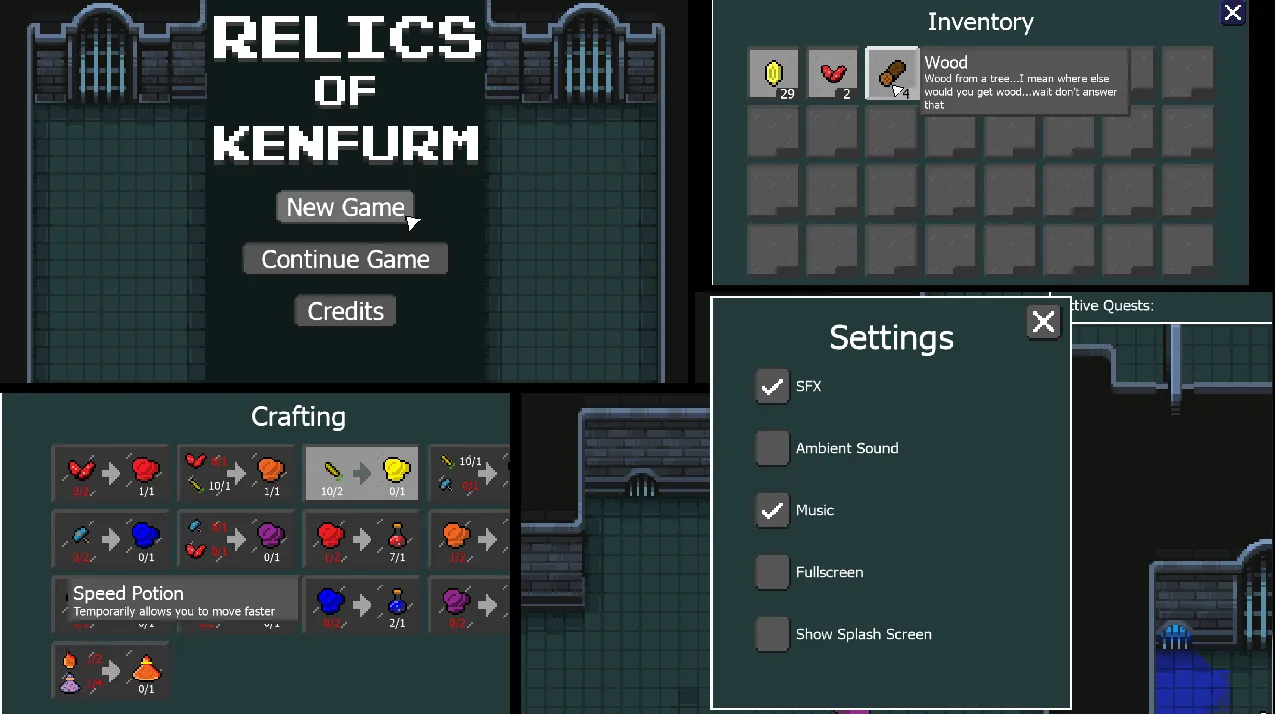
Oooo buttons and screens, just makes you want to push them
I have reworked the UI to be cleaner and much easier to understand. Quest information is easier to read. Picking up items now pops up explaining what you just grabbed and how many you have. Crafting clearing shows the ingredients required, how many and if you are out of something. It also explains what you are making so you know what you are making as well as how to make it. Speaking of UIs there is another one in the form of settings, so whether you don’t care for the ambient sounds (oh added that to) or you wish to skip the splash screen at load, we’ve got settings for you. There is so much so I’ll summarise: more sounds, automated testing, dynamic shadows on everything, dungeons decorated and more deadly and a tonne of accessibility improvements.
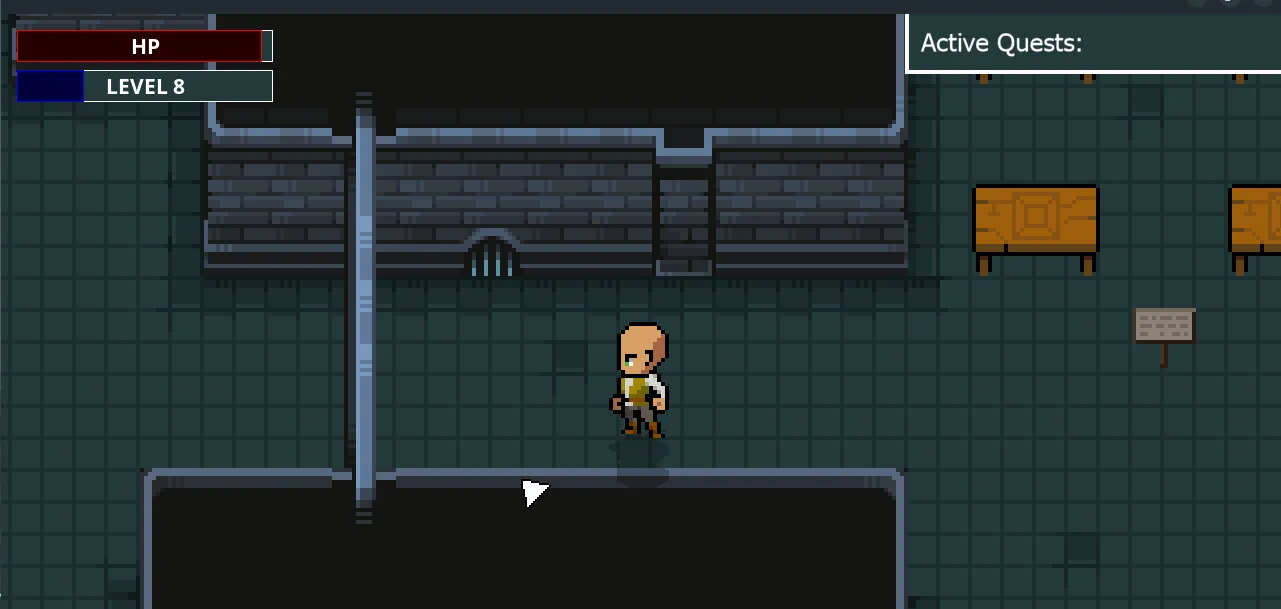
This month of development started a bit late in the first week but caught back on track and all the content except controller support has been completed. Overall I believe it was the right move to take this sprint to work on improvements so that the foundations on which new content is built is a sturdy one.
Added
- Large destructible objects and bushes now become transparent when the player moves behind them
- A close menu button for mouse people on inventory and crafting screens #271
- Automated testing for small behaviour interactions
- Pickup alerts showing what you just grabbed, how much you got and how much you have #196
- A countdown timer to effects so you know how long you have remaining
- You can now have multiple potion/effects in progress at the same time
- Effects show a small text label
- Automated testing for potion effects
- HUD buttons on Windows and Linux (Web is still buggy) #312 #309
- Ambient sound system #269
- Animation sprites for rats #147
- Hint to use pause menu #235
- Shadows to everything
- Many sound effects #299
- Settings for full screen and splash screen
- Feedback that a slot has been clicked
Changes
- Improvements to the inventory design
- Empty slots clearly marked
- Tool tips that re-flow correctly
- Improvements to the crafting design
- Better tool tip positioning
- UI redesign and consistency improvement
- Quest progress is more clear #233
- Increased attack hitbox to help hitting small things
- Redistributed plant placement
- Projectiles from anyone can now damage destructible objects
- Rearranged the dungeon so that the key and door is not so easy
- Dungeons have enemies throughout and more decorations
- Closed windows should not let in light
- NPCs now have personal space (don’t get in Herman’s personal space)
- Press any key/mouse button to progress dialog
- Redesigned potions to look more like bottles and less like traffic cones
- Further highlighting of the “rock of interest” during quest boom time
- Some of the plant flowers are now more distinct
- Animation cancelling for movement over attacking
- Settings now saved
- Player code refactoring
- Doors that can be walked through now show as open #174
- Hud button for crafting to reflect if you can craft
- UI state system so windows can be switch between more reliably
- Pause menu layout
- Reliability of the boom to make sure it doesn’t blow up other rocks
- sound mixing
- Menu screen, buttons and logo #311
- Added a usable indicator to objects that have a function #229
- Performance improvements from excessive depth calculations
- Plants now drop flowers instead of copies of the plant itself
- XP increases at a quicker rate to avoid long waits when higher level
- Crafting recipes highlight ingredients as red when you don’t have enough
- Requirements of recipes are shown as icons
Bug Fixes
- Fixed Icon alignment for multiple collectables
- Fixed Northern waterfall design more realistic #279
- Fixed empty background slot detection in the inventory #310
- Fixed crash on game exit on web #319
- Fixed crash when pressing c or i on the main menu
- Fixed font changing on hud buttons #312
- Fixed Earth shatter ability not displaying #316
- Fixed health potion pickup alerts showing random colours
- Fixed the start of the enemy death animation timing
- Bad grammar in take that quest
- Getting caught on village entrance
- Walking through benches
- Enemy flicker when evading #265
- Tool tip ghosting #317
- Fixed tool tip appearing behind menu when opening crafting screen before inventory screen #275
- Tooltips not always showing #313
- Drops going through some walls #321
- Getting stuck on things when attacking or moving #321 #223
Balancing
- Speed potion duration increased from 16 to 30 seconds
- Reduced coin cost of early quests by 10 coins #278
- Rats no longer carry a wallet full of coins
- Increased chance of Orcs dropping Red Plant 50% to 75% #321
- Re-added missing tree in starting zone #321
Thank you so much for your support! We’re incredibly excited to see where this journey takes us, we can’t wait to show you what comes next, so we’d better get started working on it then.
~ AceOfSpider
~ Buy Me A Drink First Games
Want early access and bonus content?
You can get early access, staging builds, behind the scenes content and support our work, by heading on over to our Patreon
- In-Game Credits
- Access to Staging Builds
- Early access to audio devlogs
- Version Archive
- Credits in Posts on Itch
- Includes Discord benefits